Click once to start. Hold the left mouse button or Space while the car accelerates and rotates. Release before landing, then let the wheels meet the track as level as the slope allows.
Confirmed controls
The 1Games control panel and the live browser build agree on the core input. Use the left mouse button or Space. Holding the input builds speed and continues the flip. Releasing stops the rotation so the vehicle can settle for the landing. Some third-party pages list extra direction keys, but those inputs were not confirmed in the supplied build, so this guide does not rely on them.
| Moment | Input | What to watch |
|---|---|---|
| Start and approach | Hold Space or left mouse | Vehicle speed and the edge of the ramp |
| In the air | Keep holding to rotate | Wheel position, height, and remaining distance |
| Prepare to land | Release | The wheels moving toward the track angle |
| After touchdown | Hold again when the next launch needs speed | Momentum, fuel, and the next ramp |
Your first useful run
Do not try to maximize flips immediately. Use the first attempts to learn how quickly the starter vehicle rotates. Hold through the launch, complete one controlled backflip, and release while the car still has visible air beneath it. The objective is not to stop the car from moving. It is to stop adding rotation at a point where gravity can bring the wheels toward the surface.
- Start in Solo. The current interface opens with Solo available and Multiplayer locked behind a coin cost.
- Commit to one rotation. A complete single flip gives a clear reference for the vehicle's rotation speed.
- Release before the final quarter of the fall. Waiting until the wheels nearly touch leaves no room for correction.
- Ignore risky coins. A coin trail is not worth following when it pulls the vehicle away from a safe landing angle.
- Review the failure. Decide whether the problem was too little speed, too much rotation, poor alignment, or an empty fuel gauge.
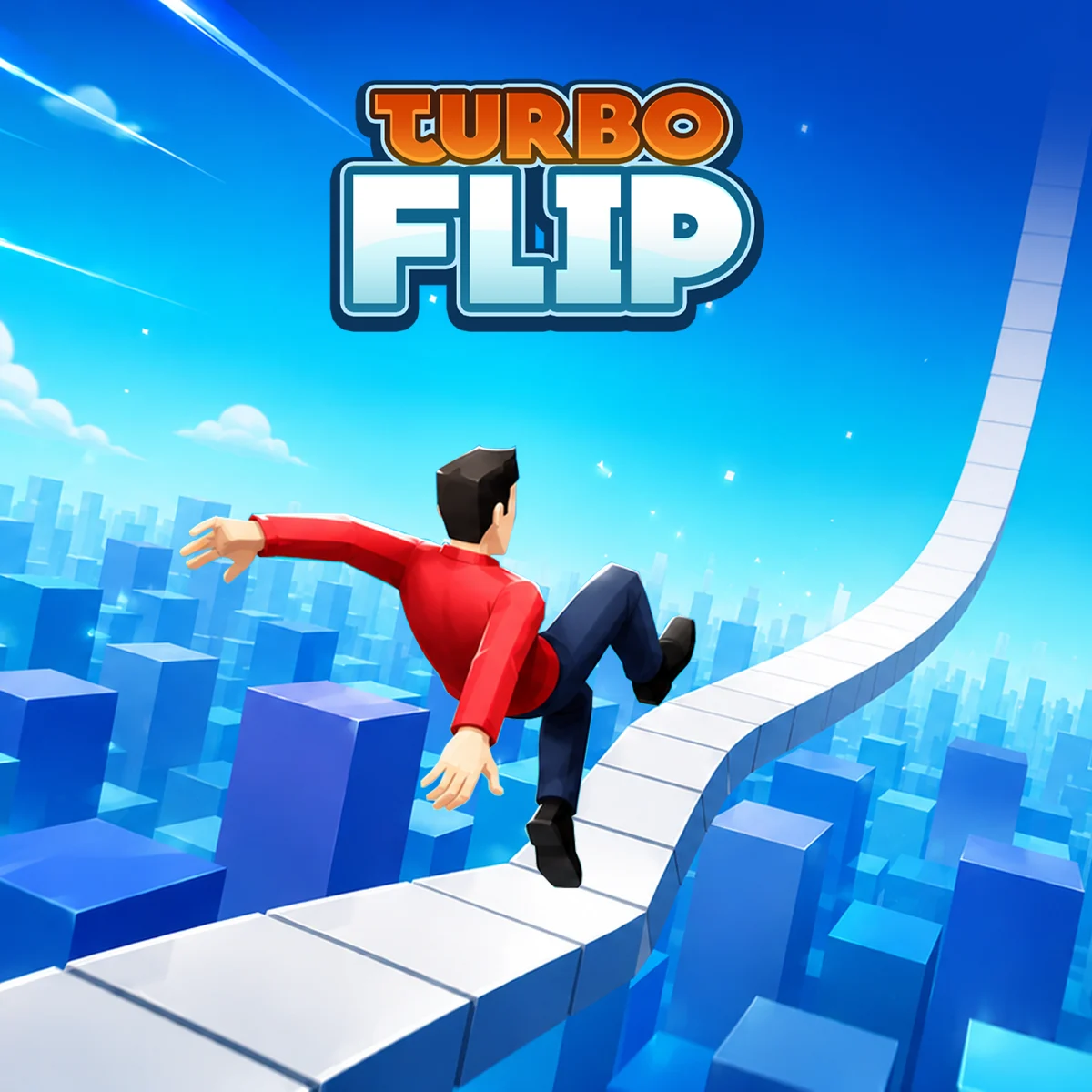
How to read a landing
A clean landing begins before the car reaches the ground. Look at the underside of the vehicle and compare it with the visible track. If the track slopes downward, a slightly nose-down position can be safer than aiming for a perfectly horizontal car. If the next surface rises, continued backward rotation can point the rear of the vehicle into the ramp. The useful target is wheel contact that follows the local surface, not a fixed screen angle.
Release timing changes as Speed improves. More momentum can create longer airtime, which allows more rotation, but it also increases the distance covered during the final second of descent. If an upgrade makes familiar ramps feel rushed, begin the release earlier rather than trying to react faster at the ground.
What each common crash means
- Roof or rear contact: the rotation continued too long. Release earlier on the next attempt.
- Nose-first impact: the car stopped in an incomplete position or the landing slope rose faster than expected.
- Falling short: the run lacked launch momentum, or a poor previous landing removed too much speed.
- Overshooting the safe section: the vehicle carried more speed than your previous timing expected.
- Fuel ending the run: landing skill was not the immediate issue. Save for Fuel rather than changing the flip rhythm.
Coins, upgrades, and checkpoints
Coins fund three visible upgrade lines: Speed, Flip Coins, and Fuel. Speed improves the launch problem, Flip Coins improves the earnings from successful rotations, and Fuel gives a stable run more time. The best purchase therefore depends on the way your current attempts end. Buying Fuel does little for a crash on the first landing, while buying Flip Coins does not help a car that cannot reach the next platform.
The host page states that a failed attempt restarts from the highest level reached rather than sending the player back to level one. That checkpoint behavior changes the practice strategy. You can learn a difficult ramp repeatedly without replaying every earlier section, so prioritize a safe first clear over a risky coin line. Once the checkpoint is secured, you can experiment with later rotations and reward routes.
Mouse, keyboard, and mobile play
1Games lists the game for desktop, tablet, and mobile browsers. On desktop, Space is often the clearest input because it avoids moving the pointer away from the game. The left mouse button is useful when the game frame already has focus. On a touch device, use the control shown by the embedded player and keep the gesture inside the game area so the page itself does not scroll during a run.
Click inside the frame once, then press Space. Browser focus can remain on the surrounding guide page until the embedded player receives a click.
What to learn next
Once one rotation feels repeatable, read the upgrade guide before spending a large coin balance. If the car still lands at unpredictable angles, use the landing tips to separate trajectory, rotation, and slope problems. You can always return to the dedicated play page for a larger frame and loading help.
Sources
Game details can change as the embedded build is updated. These pages were checked on 4 August 2026.
- Turbo Flip game page1Games. Primary gameplay description, controls, upgrade names, platform, genre, and original game media.
- Turbo Flip embeddable player1Games. Live player behavior, click-to-start flow, responsive embed, and current in-game interface.
- Turbo Flip controls and upgrade overviewSnow Rider 3D. Secondary corroboration for landing timing, checkpoint behavior, and beginner upgrade advice.
- Turbo Flip gameplay guideDrivingGames.io. Secondary explanation of the launch, rotation, landing, and coin-risk loop.